Fonts on the web
When you are designing a website, one important decision is the choice of fonts. Although the decision itself might be difficult, switching the font used in a graphics file is easy: you just pick one from a list of all the fonts on your computer. However, there is no guarantee that you will be able to use that font on a live website.
What fonts can I use?
When you specify a font in a website, the web browser must have access to that font in order to use it. Therefore, the font must be installed on the computer being used to view the site or it must be downloaded on demand with the site itself. There are a few fonts that are common and can be assumed to be available on any computer and so are always safe to use. These “core” fonts include:
- Arial
- Georgia
- Times New Roman
- Trebuchet MS
- Verdana
For a long time, these were the only realistic font choices for websites. The reasons for this were not so much technical as they were legal: fonts were released under software licenses that prevented them being used on the web. More recently, font hosting services, such as Typekit, and repositories of open source fonts, such as Google Fonts and Font Squirrel, have opened up a vast range of fonts that can be used easily and legally.
Limitations of web fonts
The number of fonts we can use on the web is enormous, but it is not unlimited. Although many commercial fonts are available cheaply as part of hosted web font packages, some are still only available with expensive, single use licenses. For example, Gill Sans is still only available to purchase at a price that is more expensive than the cost of subscribing to the entireTypekit catalogue, which consists of thousands of fonts.
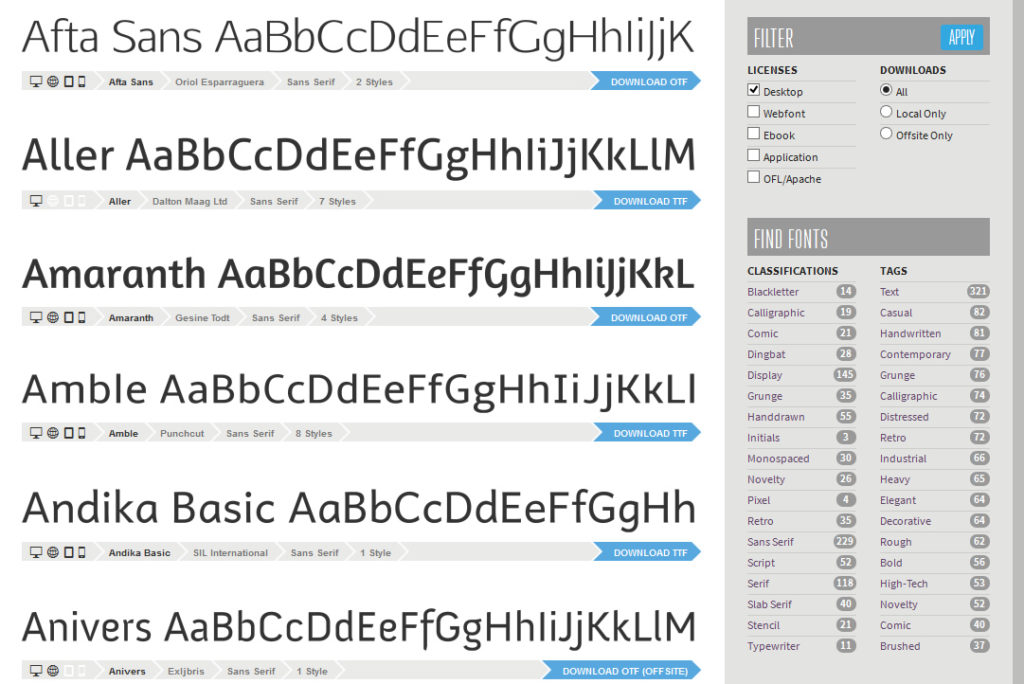
It is also important to check how legible the font will be at the sizes you intend to use. Some fonts were never optimised for computer screens and can appear blurry or pixelated at small sizes. You can often see a preview of web fonts online or download an example file to check how they look. The font should also support all the weights and styles you need. Even if you don’t put it in your design, body text fonts should include bold and italic styles.
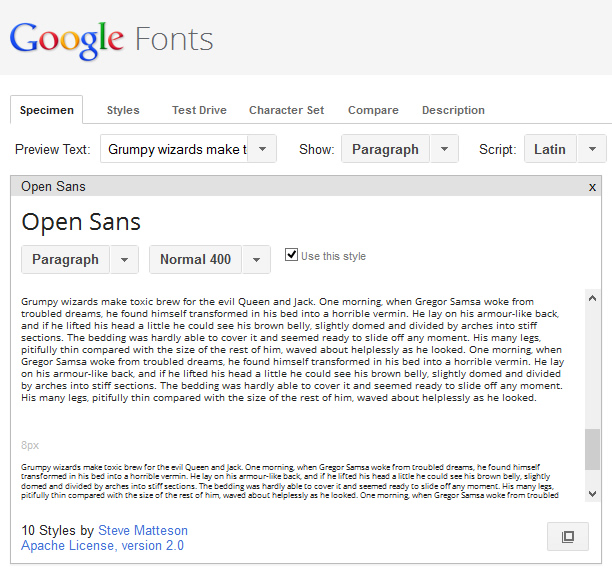
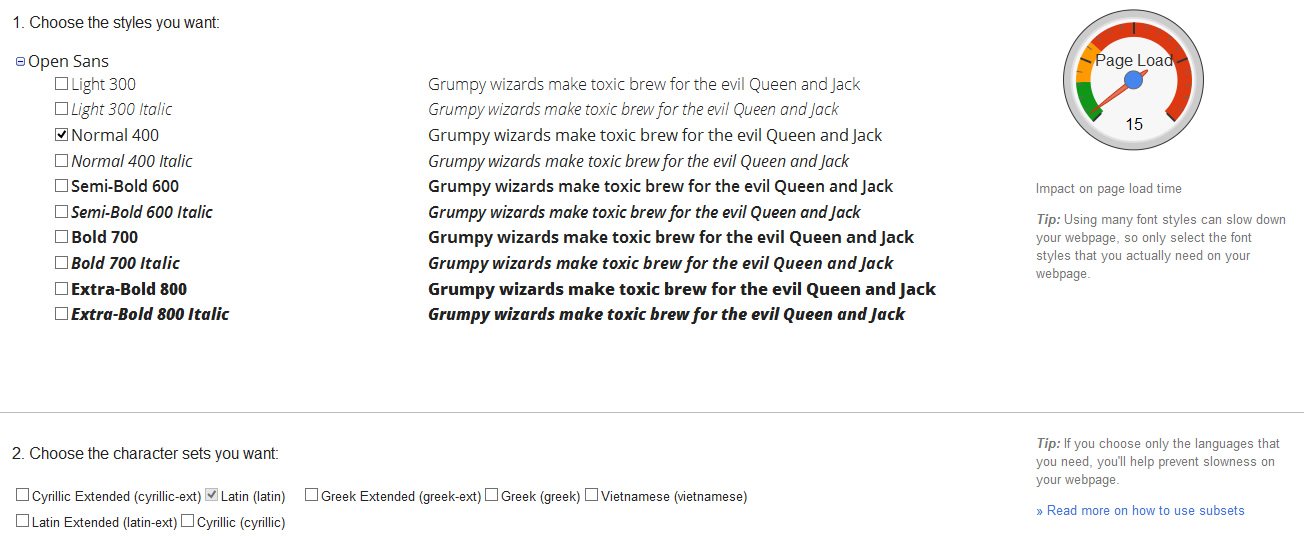
The biggest limitation of web fonts, however, is their size. Fonts are large and complex files. They significantly increase the amount of data you download when viewing a page. Google Fonts has a handy dial in the corner, showing the impact of each font and style on the page load time. The fewer fonts and the fewer font styles you use, the smaller and faster the website. At a time when more people are viewing websites over slow, expensive 3G connections, this is an important consideration.


 '

 '